When someone types “pilates studio near me,” they’re not browsing. They’re deciding. The three studios that appear in Google’s Map absorb most of the attention. Everyone below them is largely invisible.
Your Google Business Profile is the main thing that determines whether you’re in that Map Pack. Most studio owners set one up when they opened. They added a name, an address, a phone number. Then they forgot about it.
Here’s the problem: Google treats your listing like a pulse check. A neglected profile (stale photos, no posts, months between reviews) signals a business that may have closed. Google responds by ranking it lower. A maintained profile signals a business worth sending searchers to.
What follows is the checklist we run for every studio we work with.
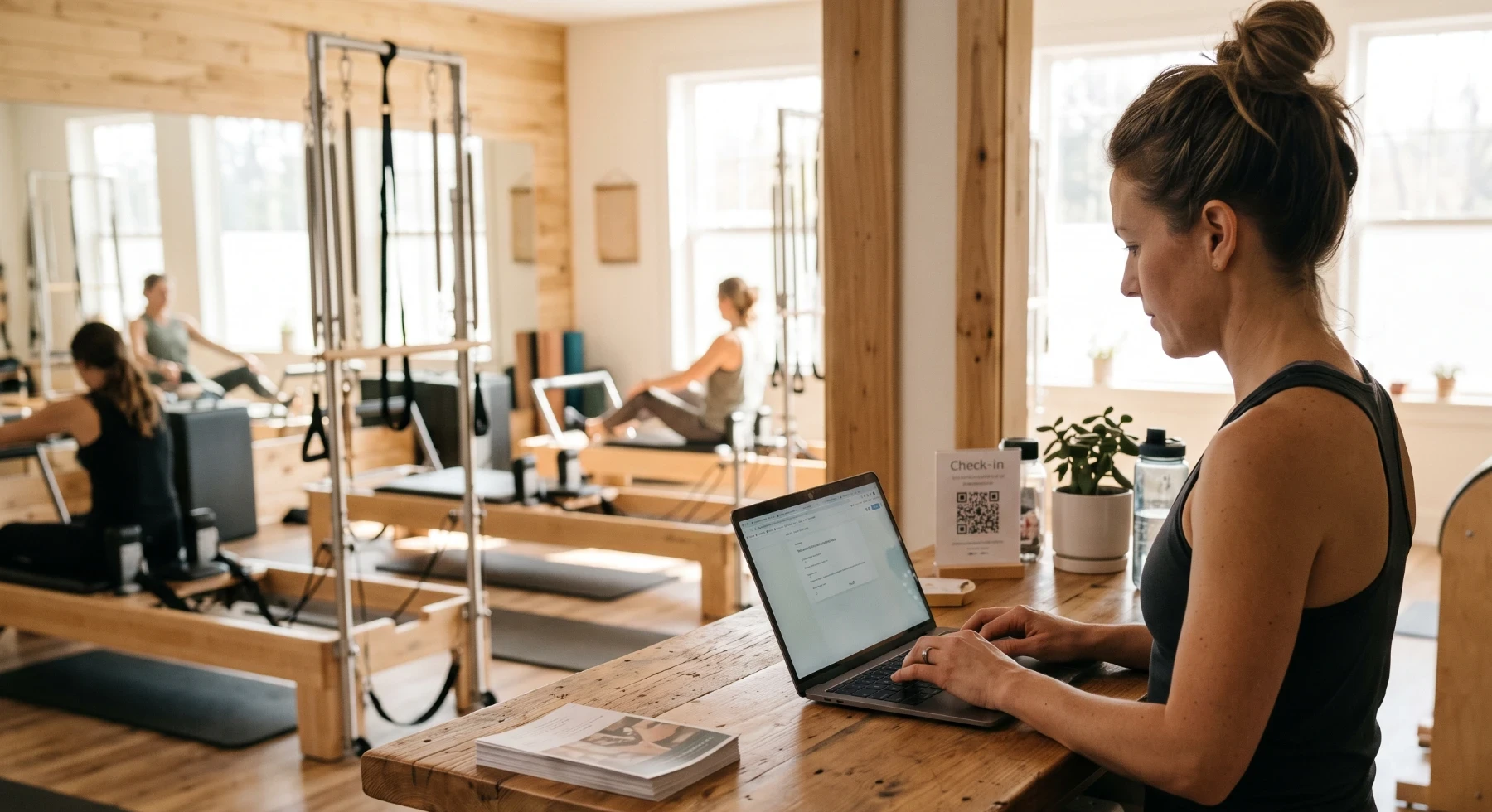
1. Claim and verify your listing
Before anything else, confirm you actually control the listing. Go to business.google.com and search for your studio. If a listing exists but isn’t claimed, claim it. If it’s claimed but you don’t have access (a past owner, a web developer from three years ago), use Google’s ownership request process.
An unverified listing can’t be fully edited, won’t rank as well, and can technically be modified by anyone who submits incorrect data.
2. Set the right primary category
This single field has more impact on your local ranking than almost anything else. Google uses primary category to decide which searches your listing is eligible for.
Wrong: “Fitness center.” This lumps you in with commercial gyms, chains, and everything else.
Right examples: “Pilates studio,” “Yoga studio,” “Dance studio,” “Barre studio,” “HIIT training gym”
Choose the most specific category that fits your actual offering. If you teach reformer Pilates, “Pilates studio” will rank you for the searches that actually bring members. Not just generic fitness queries.
You can see available categories by typing in the category field inside your profile editor. Google updates these occasionally, so it’s worth checking even if you set one years ago.
Google’s guide to choosing a category →
3. Add secondary categories (up to 9)
Secondary categories let Google know what else you offer without changing your primary ranking signal.
For a studio that teaches both reformer Pilates and mat yoga:
- Primary: Pilates studio
- Secondary: Yoga studio, Physical fitness program
Only add categories for things you genuinely offer. Keyword-stuffing your categories with aspirational services is a policy violation and can get your listing suspended.
4. Write a description that works for real people
Your business description (750 characters) appears in search results and on your listing card. It’s what a prospective member reads in the ten seconds before they decide whether to click. Pro tip: the keywords used here are also used for SEO/ranking!
Put in:
- Your modality (Reformer Pilates, Vinyasa Yoga, Lagree, Hot Yoga)
- Your neighborhood or city
- Who the studio is for: complete beginners welcome, prenatal-friendly, competitive athletes
- What makes your community different from the chain down the street
What not to do: “Best pilates near me pilates studio pilates classes.” Google’s algorithm flags keyword stuffing, and it reads as spam to humans. Write a genuine description first, then check that your key phrases appear naturally.
5. Build out your service list with real descriptions
The services section (Edit profile > Services) is consistently the most underused part of a studio’s GBP. For each service, you can add a name, a description, and a price range.
For a Pilates studio, that might look like:
- Intro Reformer Class: what’s included, what to expect, who it’s for
- Reformer Group Class: class format, duration, level
- Private Session: one-on-one format, what’s covered
- Monthly Unlimited Membership: what’s included, how it works
Every service description is indexed by Google. Use the language your prospective members actually search, not your internal naming conventions.
6. Set accurate hours — and keep them current
Incorrect hours are one of the fastest ways to permanently lose a prospective member. If someone drives to your studio when you’re closed, they won’t come back. That’s not dramatic. That’s just what happens.
Check every field:
- Regular Monday through Sunday hours
- Special hours for holidays, school breaks, or studio closures
- Whether “Temporarily closed” is accidentally on (this happens and tanks ranking)
If your hours change seasonally, update them when they change. Not two weeks after. It takes 60 seconds.
7. Add a booking button
Google lets you add a “Book” action button to your listing. It takes users directly to your class schedule or booking page. For fitness studios, this matters: someone searching “yoga studio near me” can go from search result to booked class without visiting your website.
Go to Edit profile > Bookings and add your direct booking URL. Link to your class schedule. Not just your homepage.
The fewer steps between a search and a booked class, the higher your conversion rate.
8. Upload photos across every category
Google organizes photos by type: exterior, interior, at work, team, and product. Most studios upload a handful of interior shots and stop there. Listings that rank well typically have 20 to 50 photos spread across categories.
What to get in there:
- Exterior: Your entrance, signage, and parking area (helps people find you and builds trust before they walk in)
- Interior: The studio floor, reformers, mat space, changing rooms, lobby
- At work: Classes in session (get member permission first)
- Team: Instructors and front desk staff, individually
- Other: Schedule boards, branded materials
Photo quality beats quantity every time. One sharp, well-lit image of your reformer room does more than five blurry ones.
One thing to skip: Google rejects photos with text overlays or promotional graphics. They can reduce overall listing quality if they sit in the queue too long.
9. Turn on the right attributes
Attributes are small labels that appear on your listing and show up when someone filters search results. A prospective member filtering for “women-led” or “LGBTQ+ friendly” finds you specifically because you checked those boxes. They won’t find you if you haven’t.
Go through all available attributes and enable every accurate one. For fitness studios, common relevant ones:
- Women-led
- LGBTQ+ friendly
- Wheelchair accessible
- Identifies as Women-owned (if applicable)
- Online appointments available
- Appointment required
Takes two minutes. Easy to skip. Don’t skip it.
10. Own your Q&A section before someone else does
The Q&A section on your listing is publicly editable. Anyone can ask a question, and anyone can answer it. That includes strangers, competitors, and bots. Most studio owners don’t know this section exists until they find wrong information in it.
Spend 15 minutes doing this:
- Read through any existing questions and answer the unanswered ones
- Add 3 to 5 questions you hear from prospective members, and answer them yourself
Good ones to seed:
- “Is this class suitable for complete beginners?”
- “Do you offer a first-class trial or intro offer?”
- “Is there parking nearby?”
- “What should I wear and bring to my first class?”
- “Do you have changing rooms?”
These appear in search results directly. They remove friction for someone who’s almost decided.
11. Post once a week (it doesn’t need to be polished)
Google Posts are short updates that appear on your listing and expire after 7 days. The weekly expiration is why posting rhythm matters. A listing with fresh posts signals an active business. One with posts from three months ago doesn’t.
What to post:
- An upcoming class or workshop
- A short tip related to what you teach
- A schedule change or studio update
- A seasonal offer
Two or three sentences and one photo is enough. The signal is activity, not production value.
12. Build a simple, consistent review process
Review recency matters as much as count. A listing with 80 reviews and nothing in six months looks less active than one with 45 reviews and four in the last 30 days. Google weighs both.
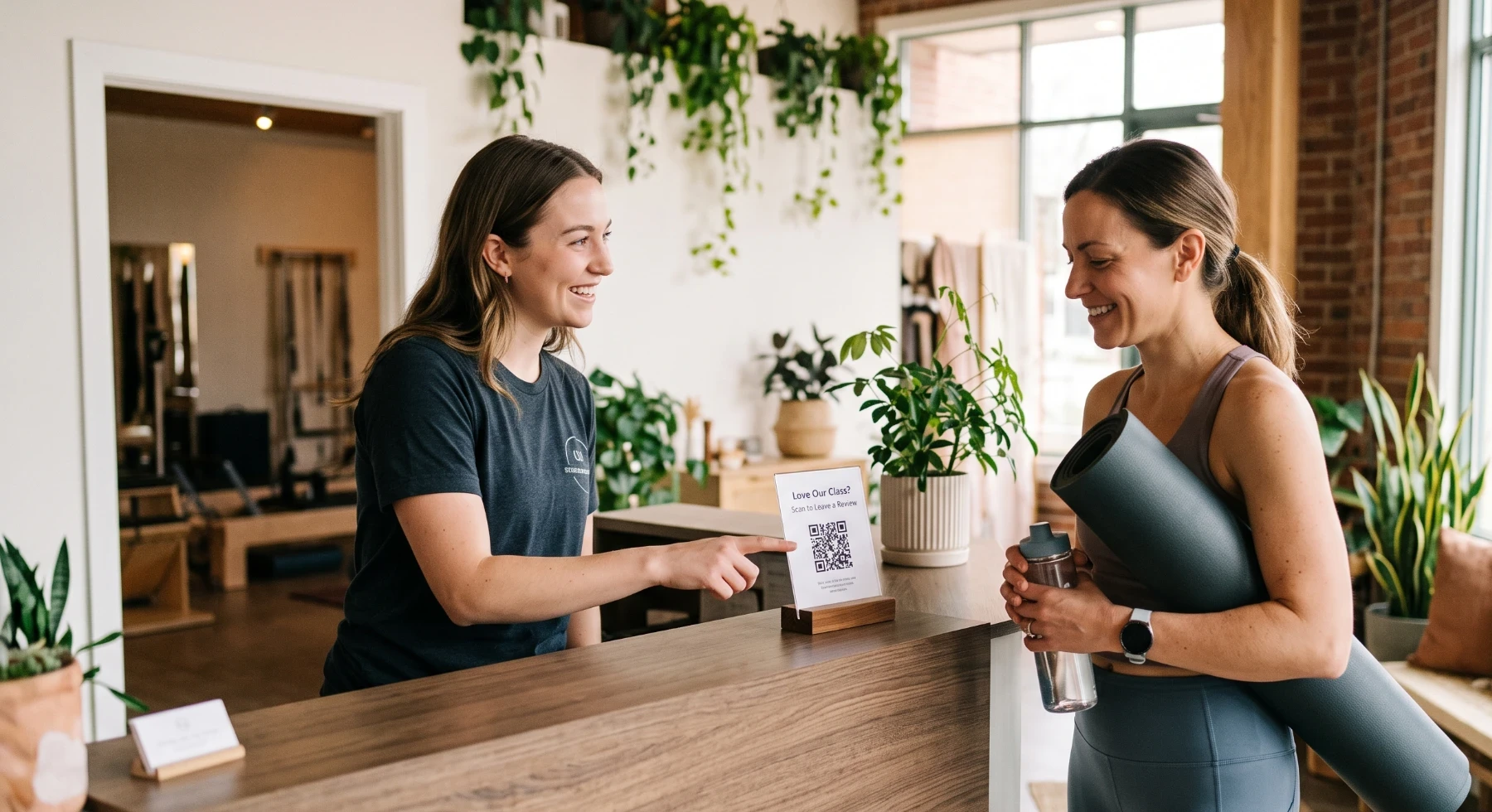
The best moment to ask is right after class, while endorphins are high. A brief in-person mention from a front desk team member, along with a QR code, consistently outperforms automated emails sent days later.
Create your review link at Google’s review link generator and print it as a QR code for the front desk.
Aim for 2 to 3 new reviews per month. That’s the steady signal that keeps the listing active.
What to expect after you do this
Fixing your GBP isn’t a one-time event. Most studios that do a thorough update see increased profile views and direction requests within the first 30 days. Local ranking typically improves at 60 to 90 days, assuming weekly posting and review generation continue.
Google shows you this data in the Performance tab of your Business Profile dashboard. Track impressions, searches, and direction requests monthly. It’s a useful leading indicator of whether you’re gaining visibility.
A note on maintaining this
This checklist works. Work through all 12 items and keep them current, and your local ranking will improve.
The part most studio owners underestimate is the “keep them current” piece. Weekly posts, responding to reviews, updating photos, adjusting hours for every holiday. It adds up to a steady stream of work that someone has to own every week.
If you’d rather that someone not be you, we handle it as part of what we do at Crescendo. Book a free 15-minute Growth Assessment and we’ll show you exactly where your profile stands today.